



Last updated: Rules, fees and platform policies change. This guide is reviewed and kept current.
AI tools sit in an odd position for small e-commerce businesses: everyone is using them, and nobody says exactly where they put them. Usage that stays at the level of “I get it to write blog posts” does not lighten the actual workload. The real gain is in automating the work that repeats every day, has clear rules, and produces output you can check.
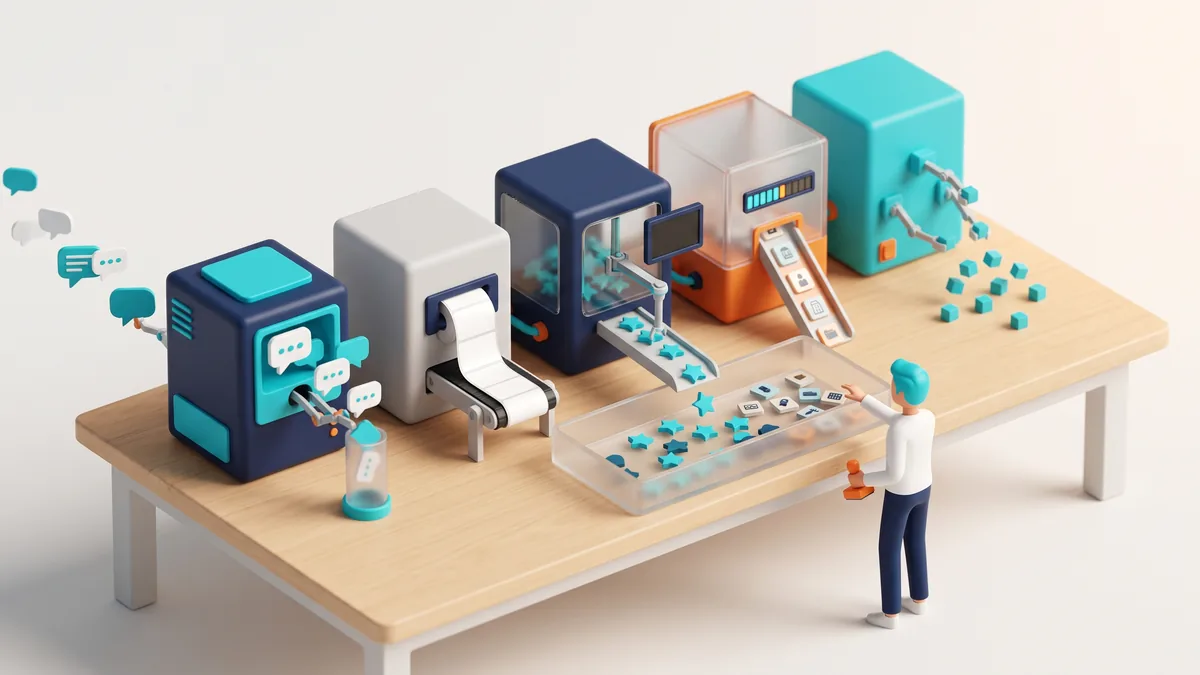
Below are five systems a one-person or small-team store could set up this week. None of them require writing code, and all of them are built on human approval.

Five automations you can set up without code
Systems that lighten repeated work in a small e-commerce operation.
- Customer reply draftsA draft is produced; the decision to send stays with a person
- Templated product descriptionsSame field structure and consistent language, without writing each one
- Review and return reason analysisReduces free text to the themes that actually repeat
- Demand forecasting and stock alertsMakes the band between stockout and overstock visible
- Content repurposingDeriving email, social and product copy from one article
1. Drafting replies to customer messages
Most incoming messages fall into five or six patterns: where is my parcel, how do I return this, what size should I take, when is it back in stock, can I have an invoice. Answering these fully automatically is risky: if it gives wrong information, the cost is a lost customer. The right setup is “produce a draft, let a human approve it”.
Practical steps: pull out the 20 most frequent questions of the last three months, write your own correct answer to each, make those texts the assistant’s reference document, and define your tone (formal or friendly, which words you never use). The result: response time falls, consistency rises, and all you do is approve.
The limit: do not let the assistant guess on anything that needs real data: order status, parcel tracking, return approval. Where there is no data it should produce a hand-off, not an answer.
2. Templating product descriptions
Writing descriptions for hundreds of products by hand is tedious; handing the whole job to an AI produces hollow texts that are copies of one another. The path in between is structured input.
For each product, fill in a table with fields like dimensions, material, use case, care instructions and who it suits; generate the text from those fields. That way the description carries real information, the same sentences do not repeat, and the details that reduce returns (size, material, measurements) appear systematically.
Two checks are essential: verify there are no invented features, and on regulated products (cosmetics, supplements, electronics) do not allow health or performance claims to be generated at all.
3. Analysing reviews and return reasons
You are sitting on a gold mine you have not read: customer reviews, return reasons, support messages. Reading them one by one takes time; bulk analysis is the kind of work AI is most reliable at, because you are asking it to summarise rather than to invent.
Once a month, export all the recent reviews and return notes and ask: what are the three most frequently repeated complaints, which product group do they concentrate in, which complaint can be solved on the product page, and which one comes from the supplier. The resulting list becomes next month’s to-do list.
This single application is the most concrete step that reduces return rates in most stores, because you start working from evidence instead of guesswork.
4. Demand forecasting and stock alerts
You do not need to build a sophisticated forecasting model. Exporting your sales history weekly and looking at seasonality, campaign periods and lead time together is enough improvement for most stores.
Three alerts worth setting up: (1) products that will run out of stock within the lead time, (2) products that have not sold for 90 days and are taking up warehouse space, (3) products whose sales are suddenly accelerating: those are both a stock risk and an advertising opportunity. Alerts arriving automatically is more reliable than remembering to look at the dashboard.
5. Reusing content
Doing a piece of work once and using it in five places can be a small team’s biggest advantage. Producing a social post, a newsletter section, a product page FAQ and a short video script out of a guide you have written is both faster and more consistent than creating content from scratch.
The thing to watch here is not mixing up the languages of the channels. Rather than copying the same text everywhere, define your length and tone rule for each channel and ask for the conversion according to those rules.
Rules: keeping the automation safe
All of these systems should be subject to the same four rules:
- Human approval. No message that goes to a customer and no text that goes on the site should be published without approval. The moment the approval step is removed, the gain turns into risk.
- Do not share personal data. Do not load customer names, addresses, phone numbers or order details into the tool; anonymise them. Turkish data protection obligations under KVKK do not disappear because a process is automated.
- Do not publish a number whose source you cannot name. Verify prices, rates, regulatory and technical claims against your own data.
- Measure. Pick a single metric for each automation: first response time, return rate, days out of stock, pieces of content produced. You cannot know whether an automation you do not measure is working.
Where to start? A one-week setup plan
Trying to build all five at once ends with none of them built. Sequence them by “which job eats the most of my time”:
- Monday: go through the last three months of customer messages and write out the 20 most frequent questions with your own correct answers. That document is the foundation for every later step.
- Wednesday: set up the reply-drafting system and, for two days, only produce drafts — read every one before sending. Note the mistakes and update the reference document.
- Friday: run the review and return analysis once. Put the top three complaints into next month’s work list.
- The following week: test the product description template on 10 products; if the result is consistent, roll it out to the rest.
Setting the expectation correctly
These systems do not give you a team; they give you time. In a one-person store we are talking about roughly an hour and a half a day, and in a small team about a person-day a week. Spending that time on the work that cannot be automated — supplier conversations, product selection, pricing strategy, real contact with customers — is the actual return on automation.
The reverse needs saying too: AI will not fix a bad product, a broken supply chain or wrong pricing. It only delivers the bad news faster. Automation built on top of a working business is a gain; used to hide a business that is not working, it is a delayed cost.
Start small, build one system properly, measure it, and only move to the second once you have seen the first one work. The people who lose in this area are not the ones who started late; they are the ones who built everything at once and checked none of it.
Choosing a tool: what should the decision rest on?
Because the list of tools changes quickly, look at three criteria rather than at brands:
- Where does it move your data? With any tool that processes customer data, reading the data processing terms is mandatory. If there is an option that commits to not using your data for model training, prefer it.
- Does it talk to your existing systems? A flow where you export from your dashboard and upload by hand runs enthusiastically in week one and is abandoned in week three. Prefer the tool that has an integration, even if its features are weaker.
- Can you verify its output? Tools that cite sources and report what they did beat closed boxes that look magical.
Before moving to a paid tool, run the process by hand for a month with the general-purpose assistant you already have. Only then do you know which step actually repeats — and choosing the right tool after you have seen the need always works out cheaper.
A real example: Klarna
In the case study published by OpenAI, Klarna’s AI assistant handled 2.3 million conversations in its first month: two thirds of customer service chats, the workload of 700 full-time agents. Resolution time fell from 11 minutes to under 2, and repeat inquiries dropped 25%. In May 2025, however, the company’s CEO told Bloomberg it had focused too heavily on cost in customer service, and Klarna moved to make sure customers could reach a real person again.
What it means: automation absorbs routine questions quickly; complex requests should stay with people. That is the reasoning behind this article’s rule: AI drafts, a human approves.
Sources: OpenAI, Klarna case study; Bloomberg, 8 May 2025.
Related reading
- To decide where to spend the time automation gives you back: calculating real profit margin.
- Writing product descriptions that also suit AI search: how to write content answer engines quote.
- Keeping the automation on the advertising side under control: the Performance Max guide.
Sources and official links
- Turkish DPA (KVKK) — Guide on cross-border transfer of personal data — The procedure for sending customer data to a tool hosted abroad
- Turkish DPA (KVKK) — Cross-border transfers — The legal bases required for a transfer
- Google Search Central — Spam Policies — The limits on automatically generated content
- Google Search Central — Creating Helpful, Reliable, People-First Content — Human review and content quality criteria
- Ministry of Trade ETBİS — E-commerce legislation index — The legislation index for e-commerce activity
Rules, fee schedules and platform policies change. The figures in this post reflect the position at the time of writing; confirm the current position from the official sources above before you act.
Haftalık bülten
Pazaryeri ve e-ihracatta bu hafta ne değişti?
Komisyon oranları, mevzuat ve algoritma değişikliklerini haftada bir, tek e-postada özetliyorum. Reklam yok, tekrar yok — istediğiniz an tek tıkla çıkabilirsiniz.
